
How to Create Studio Photos, On-Model Campaigns and Product Videos for Your Brand with AI
By Modelfy Team · Published on
Last checked: 16 October 2026. Published by Modelfy, so we have an interest in this topic. We name the limits of AI product photos as plainly as the benefits.
A traditional photoshoot needs a photographer, a studio, models, styling, retouching and a calendar that lines up. That is fine for a flagship launch. It gets hard when a brand needs fresh images for every product, every colorway, every ad and every social channel, week after week. The shoot becomes the bottleneck, and many brands end up with a few great images and a long tail of weak ones.
AI product photography attacks that bottleneck. You start from a photo of the real product and generate the images you need around it. This guide covers what you can create with Modelfy, a simple workflow, how to keep a consistent brand look, and where you should still book a real shoot.
What you can create with Modelfy
Everything below starts from a product photo you already have. Features are listed as they appear on the Modelfy site; some depend on your plan, which we note where it matters.
Studio photos for listings
Studio mode turns a product photo into a clean, e-commerce-ready shot: tidy background, even lighting. It is a quick way to bring a mixed set of supplier or phone photos to one standard.
A reusable AI model for your brand
Instead of hiring a different model for each shoot, you create a custom AI model once and reuse it across products and campaigns. That is what makes a catalog feel like one brand. The Free and Starter plans include one custom AI model; Plus and above include unlimited custom AI models.
Campaign photos with a virtual model
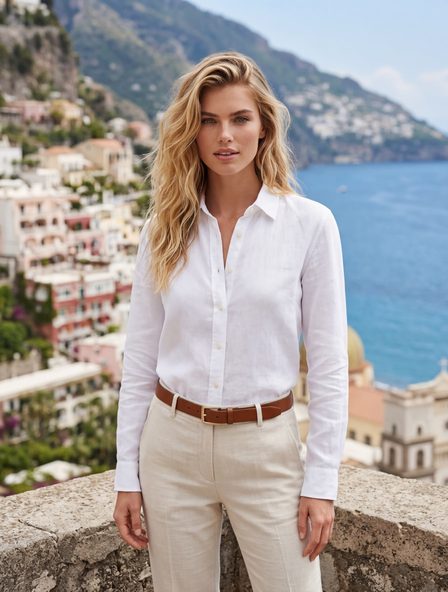
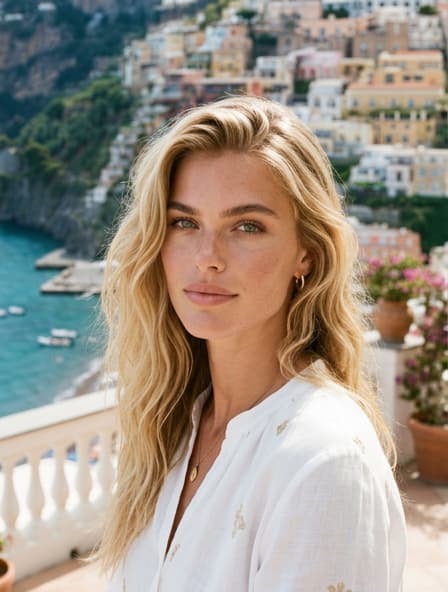
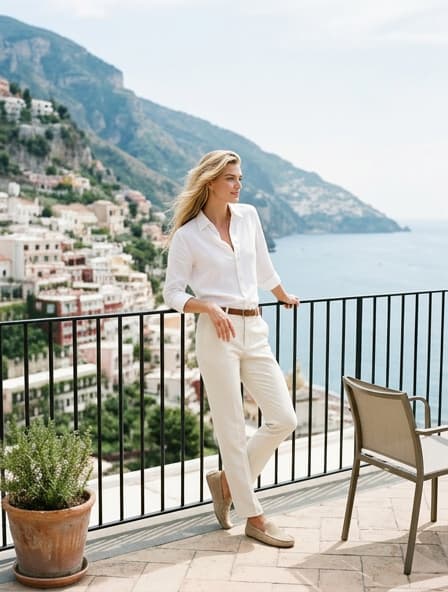
Campaign mode places your product, worn or held by your AI model, in a scene: a rooftop at night, a city street, a beach at sunset or a fully custom environment. The Scene Creator is designed so you pick a scene rather than write long prompts.
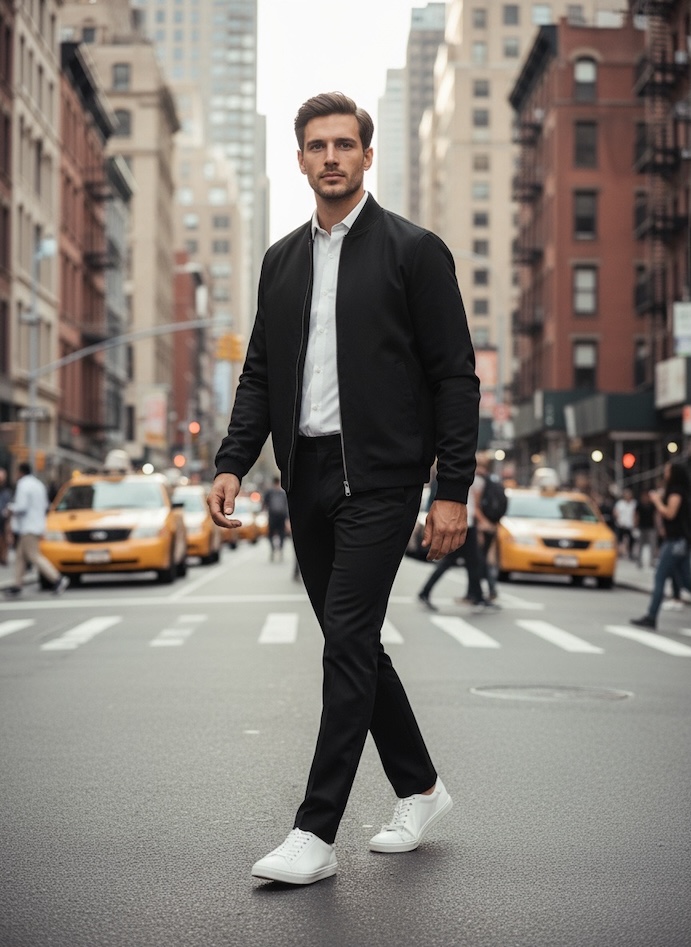
Photo sessions: one photo in, a full session out
Photo Sessions generates multiple poses, angles, positions and expressions from your product photo and your AI model in one batch. This is what gives a collection a varied, editorial feel without repeating the same pose. How many photos you get per batch depends on your plan, from 3 on Starter up to 10 on Premium.
Color swap for variants
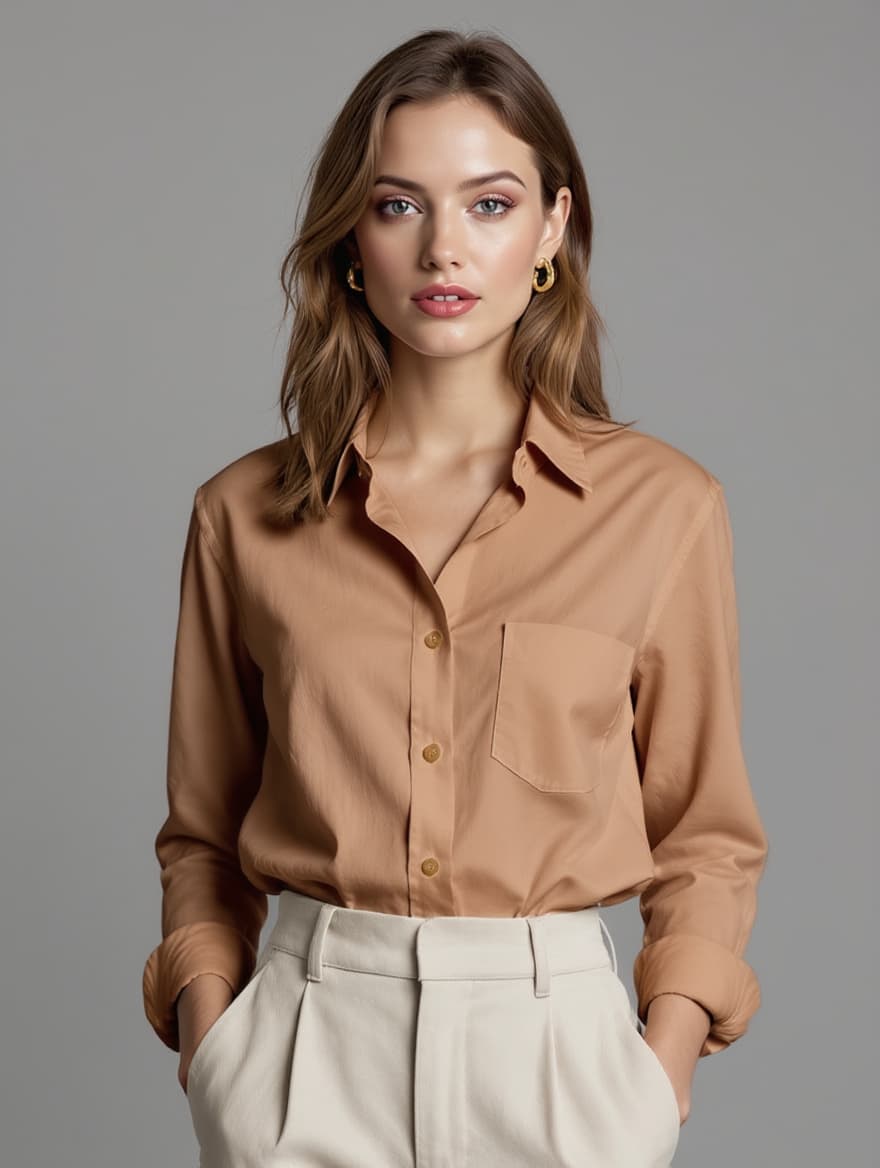
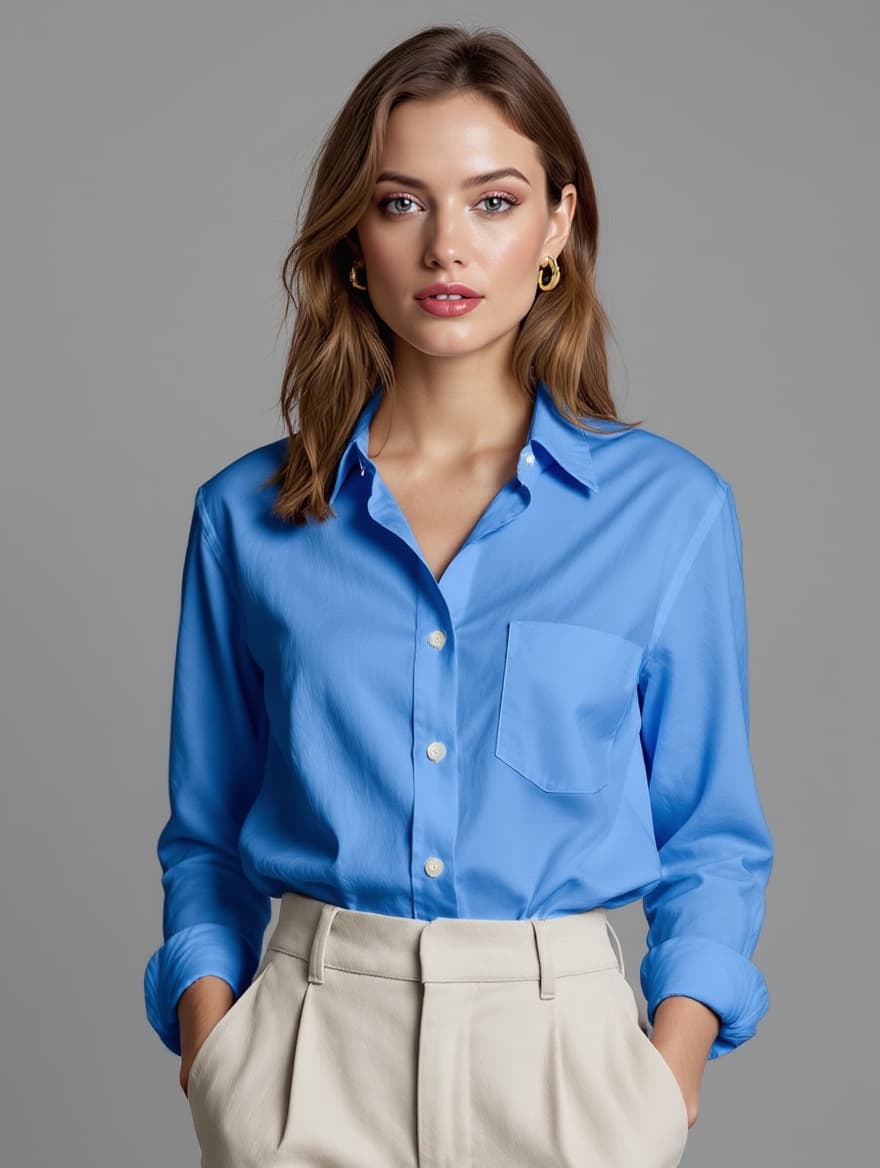
If a product comes in several colors, Color Swap generates the other colorways from one photo, so you do not reshoot each one. Always compare the output with the real fabric or finish: a screen color is not a dye lot.
Product videos with audio
Modelfy can turn a product photo into a short video, including videos with AI-generated audio: music, voiceover, and AI models that speak. That suits ads, Reels and TikToks, where a still photo may not stop the scroll. Video is not part of the Free plan’s tool list; Starter creates 5-second videos with audio up to 480p, and Plus and above create videos up to 10 seconds in HD.
Motion transfer and voice swap
Motion & Voice Swap transfers the movement from any reference video onto your AI model and lets you replace the voice with a new male or female voice synced to the original timing. It is useful if you have a spokesperson-style clip that works and want to reuse it with your own brand model; make sure you have the rights to use the reference video.
Automatic subtitles and export formats
For social video, Modelfy auto-generates customizable subtitles: upload, generate, customize, download. Exports cover the common social formats (9:16, 1:1, 16:9 and 4:5), and images can go up to 4K from the Pro plan.
A simple workflow
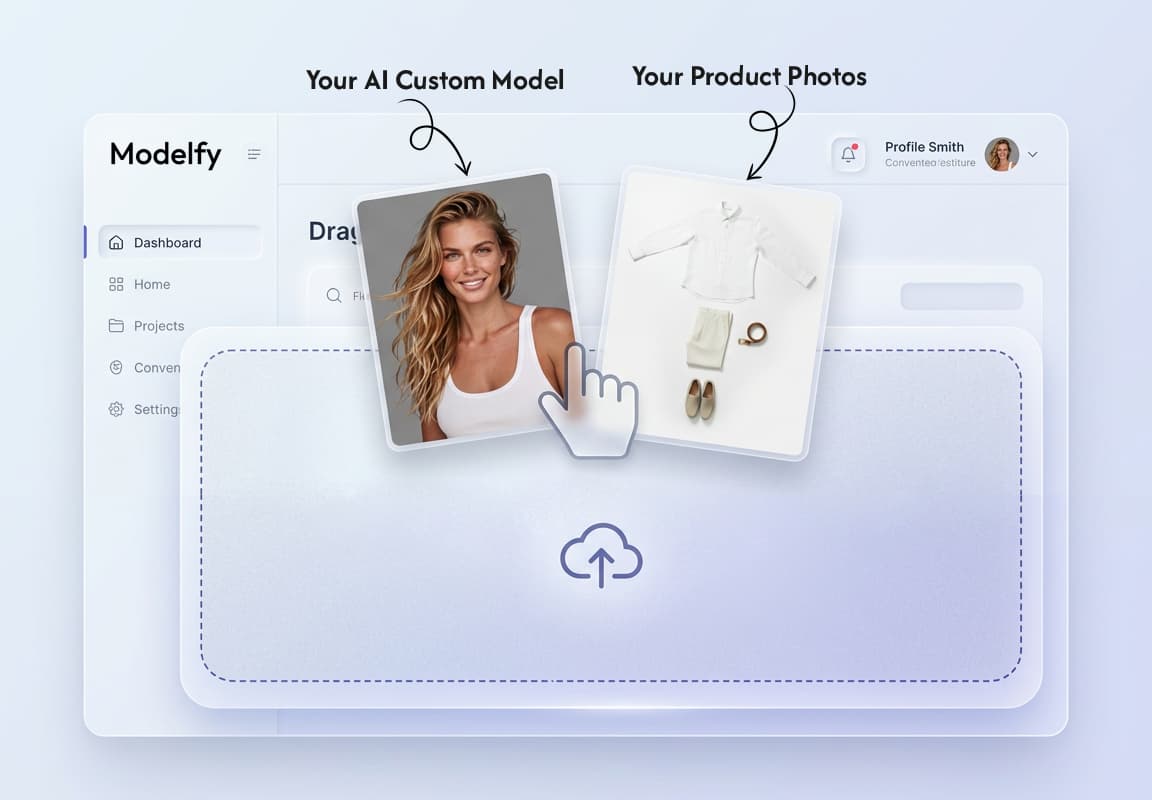
The Modelfy site describes it in three steps, and it works as a checklist:
- Upload your product. Start with any product photo. A flat lay or mannequin shot with even light and the whole product visible gives the best input.
- Pick your AI model. Create a custom AI model that matches your brand, or reuse one you have already built. Then choose a campaign scene, studio shot or custom environment.
- Get your photos and videos. Export for ads, social or e-commerce listings, then check each image against the real product before it goes live.
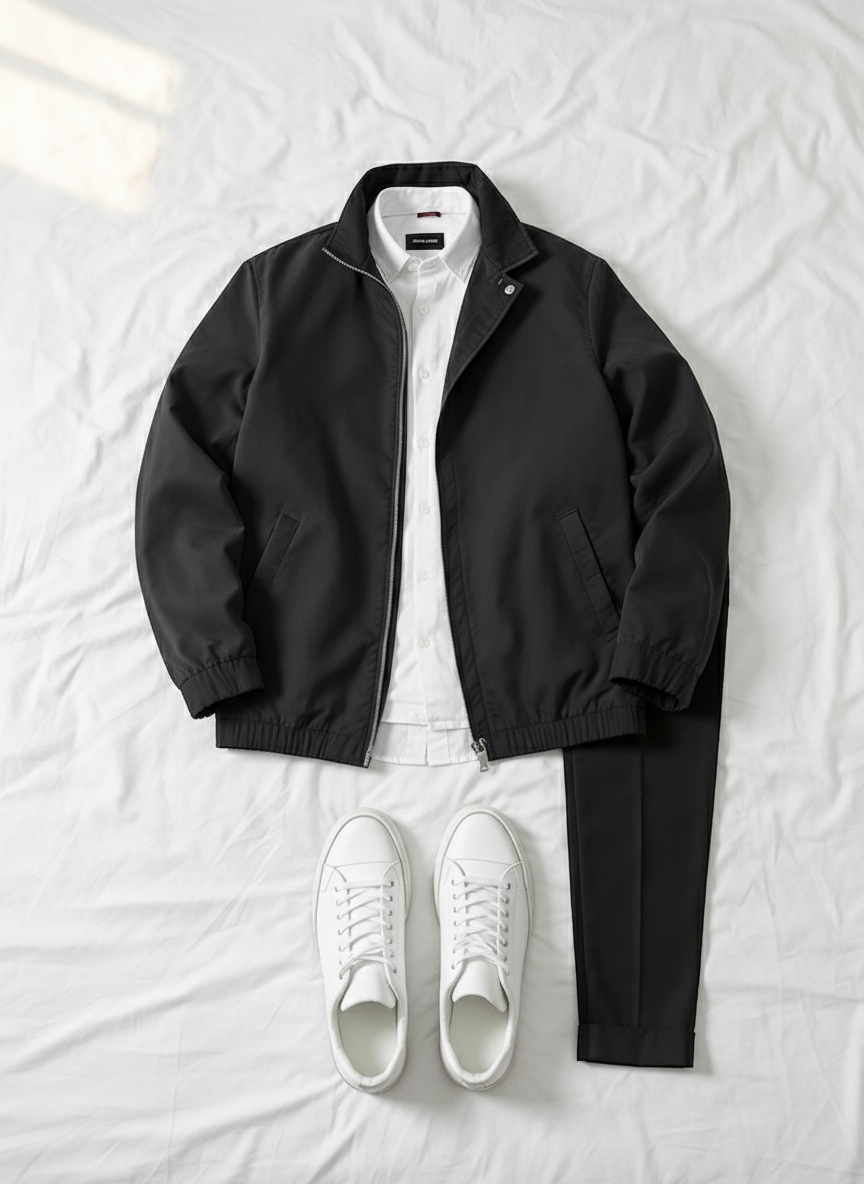
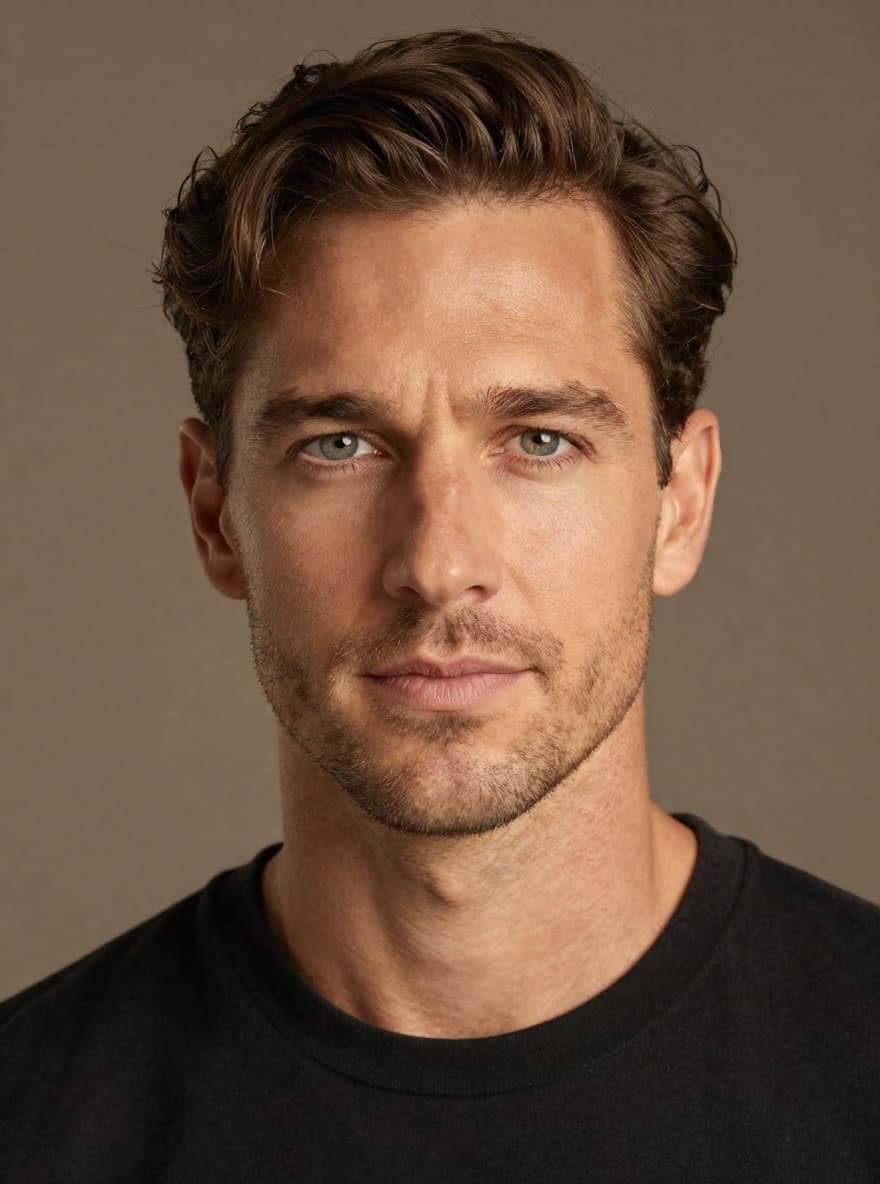
Start small. Take three to five products, one model and one scene, and judge the results before scaling up. Our AI model photos for Shopify guide walks through a test like this in more detail.
Who it is for
- Fashion: on-model photos and campaign scenes from flat lays, with colorways via Color Swap.
- Beauty: studio shots and lifestyle scenes for skincare and cosmetics, plus short videos for social.
- Accessories and jewelry: clean studio images, and on-model shots where the piece is worn or held.
- Home and other products: the Modelfy site lists home goods, furniture, electronics and food and drink among supported product types. Test your hardest product first.
- Agencies and freelancers: one workflow for many clients, with a separate custom AI model per brand on plans that allow unlimited models.
- Marketplaces and social: studio shots for listings, plus vertical, square and landscape exports for ads and Reels. Check each marketplace’s image rules, for instance a white background on a main image.
Tips for a consistent brand look
- Use one model per brand or line. Reuse the same custom AI model so customers see a recognizable face across products.
- Limit your scenes. Pick two or three environments that fit your brand, and repeat them. Variety belongs in the product, not in a different look every post.
- Keep your inputs consistent. Photograph products with the same angle and light so results are comparable.
- Use Color Swap for variants instead of generating each colorway from scratch.
- Batch, then review. Generate a set, pick the best, and discard the rest rather than publishing everything.
Honest limits: when to book a real shoot
AI product photos are a tool, not a replacement for every kind of shoot.
- Detail drift. Fit, stitching, prints, logos and small text can change in generated images. Zoom in and compare with the real product.
- Color and texture. Color Swap and generated lighting can shift how a finish looks. Where accurate color matters (cosmetic shades, dyed materials), use a real photo as the reference.
- Hero campaigns and real people. If a campaign depends on a real person, a real location or a unique art direction, plan a real shoot.
- Short videos. Videos run seconds, not minutes, and depend on your plan’s length and resolution limits.
- Not every plan includes everything. The Free plan covers Studio and Campaign tools; Photo Sessions batch sizes, video quality and 4K depend on the plan.
- Disclosure rules. Marketplaces and advertising rules differ by country. We cannot give legal advice, so check the policy of each channel.
A practical split: use AI for catalog, variants, social and ad testing, and a real shoot for the images that define your brand.
Plans, in short
Modelfy uses credits. The Free plan has 10 one-time credits and no credit card. Paid plans are Starter ($19.99/month), Plus ($39.99), Pro ($59.99) and Premium ($99.99); yearly billing is cheaper. See the current details on the pricing section.
Disclosure. This article is published by Modelfy. Product details come from the Modelfy website as of the date above; check the current plans before you buy.
Try it on your own products
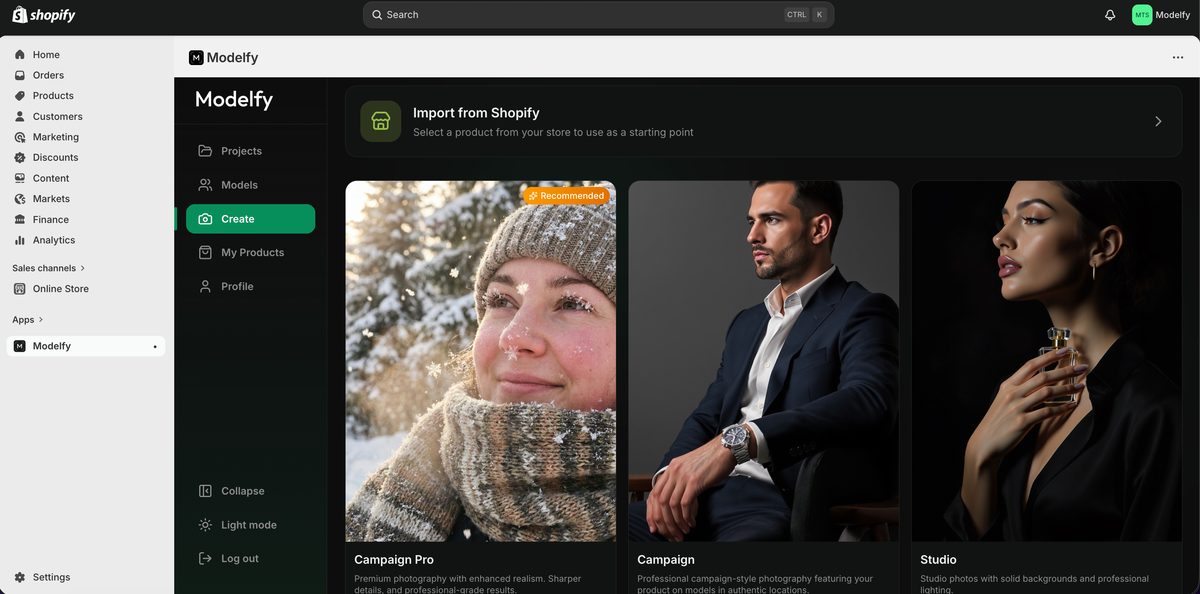
Create a free account at app.modelfy.ai, or work from your phone with the Modelfy iOS app on the App Store or the Android app on Google Play. If you run a Shopify store, the Modelfy Shopify app imports your products and publishes results back to your listings.
FAQ
What are AI product photos?
They are images generated from a photo of your real product: a clean studio shot, the product on a virtual model, or the product placed in a scene. You start from one product photo instead of booking a photoshoot.
Can AI product photography replace a photoshoot?
For many everyday needs such as listings, social posts and ads, it can cover a lot. For hero campaigns, products where exact detail matters, or anything involving real people, a real shoot is still the safer choice. Check every generated image against the real product before you publish.
How do I keep the same model across all my products?
In Modelfy you create a custom AI model once and reuse it. The Free and Starter plans include one custom AI model; Plus and above include unlimited custom AI models.
Can I make videos from a product photo?
Yes. Modelfy can create product videos, including videos with AI-generated audio. Video length and resolution depend on your plan: Starter creates 5-second videos with audio up to 480p, and Plus and above create videos up to 10 seconds in HD (720p and 1080p).
Is there a free plan?
Yes. The Free plan includes 10 one-time credits and one custom AI model, with access to the Studio and Campaign tools. No credit card is required.
Does Modelfy work with Shopify?
Yes. There is a Shopify app that imports your products and publishes the generated photos and videos back to your listings. Modelfy also has a web app and iOS and Android apps.